
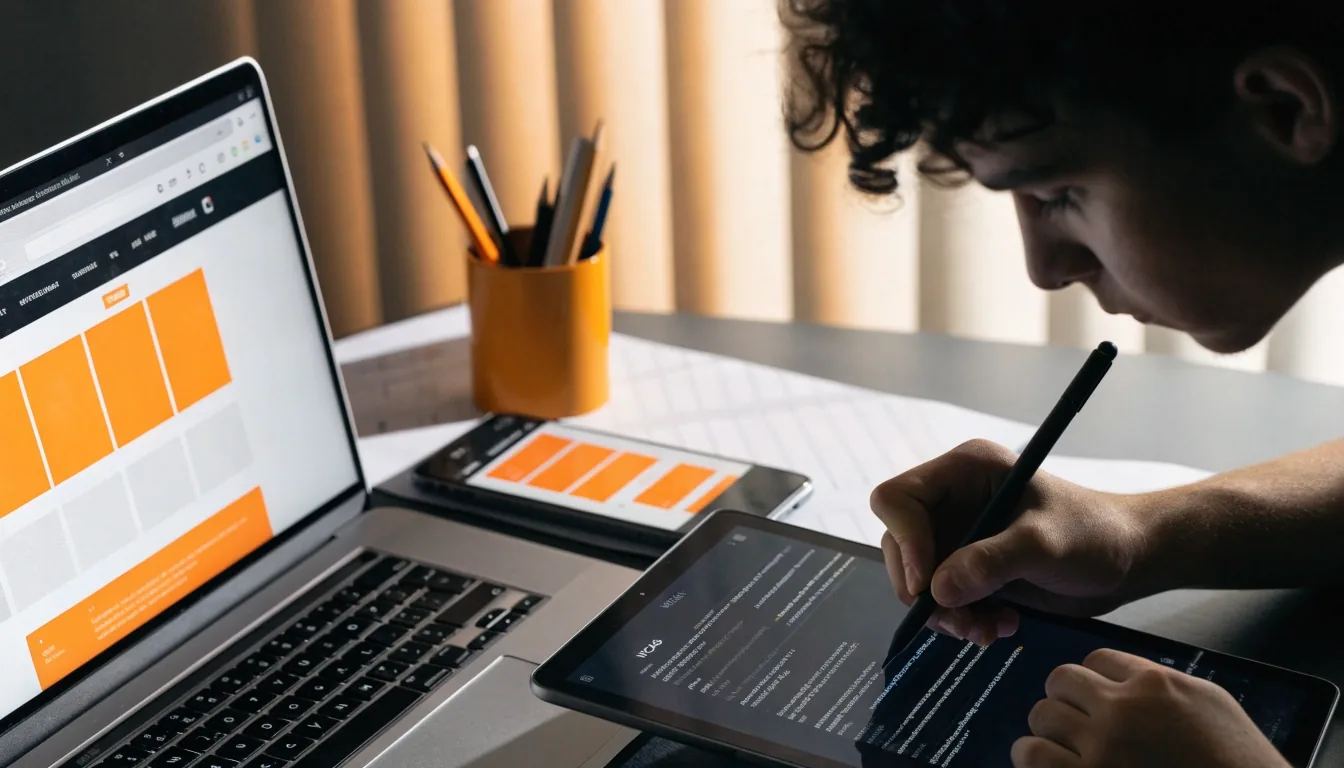
How a project runs from brief to launch
Every project is different, but the sequence rarely is. Discovery, structure, design, build, handoff. Here is what each phase involves, what you get out of it, and how to plan internally around the work.
The sequence, and why it holds
Skipping a step usually means paying for it later with interest. Discovery without architecture produces pretty screens that lead nowhere; a build without a prototype means the first time anyone uses the product is the day it goes live. The order below is the one that keeps decisions cheap while they are still cheap to make.
Not every project visits every phase at the same depth. A focused website build may spend a day in discovery and a fortnight in wireframes. A mobile app with accounts and payments will run the whole sequence. You will know which shape your project is after the first conversation, not after the first invoice.
You approve, we write down
Each phase ends with something you can read, question or reject before the next one starts. If a decision needs your sign-off, it arrives as a document or a clickable build, not a phone call you have to remember.
Scope moves in the open
When a new idea lands mid-project we price it in time and money, then let you decide whether to swap it for something already planned. Nothing gets absorbed quietly and reappears as a delay.
You keep the artefacts
The recommendation, the sitemaps, the flow diagrams and the component library are yours. If you take the work to another studio later, the thinking travels with you.
Discovery: understanding the problem
Discovery is where we find out what the product needs to do and for whom. It usually includes stakeholder interviews, a review of existing analytics and support queries, and a look at how competitors handle the same tasks. We will ask about your release cadence, your team's capacity after launch, and any technical constraints you already know about.
The output is a written recommendation covering scope, stack and risks. It is a document you can act on with any studio, which is deliberate: if you decide not to continue with us, you still leave with a plan rather than a proposal shaped to keep you.
- Stakeholder interviews who decides what, and when
- Analytics and support review where people already give up
- Competitor task comparison same job, different routes
- Constraint check legacy systems, budget, launch dates
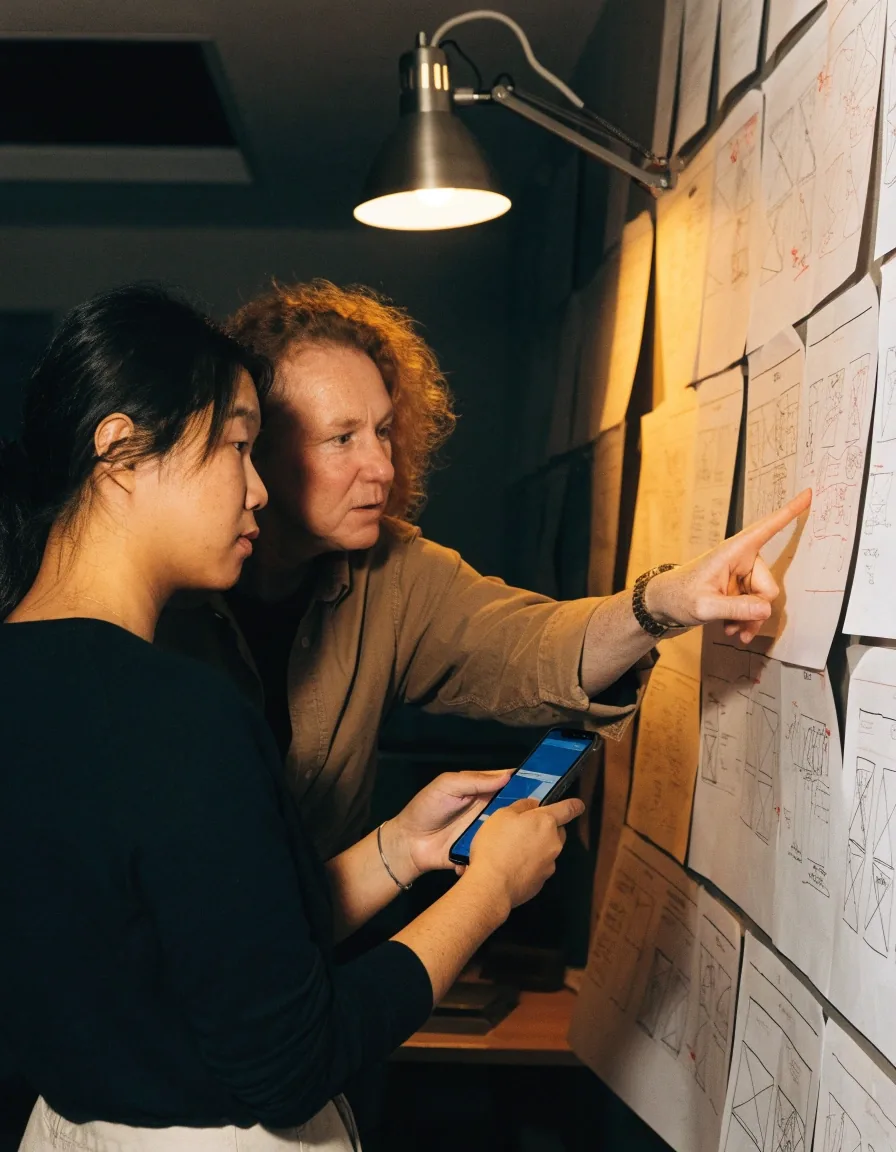
What you walk away with
A short written recommendation: what the product should do first, which stack suits it, what it will cost in time, and which risks are worth naming before anyone starts drawing.
Information architecture and user flows
Before screens, we map structure. What content exists, how it is grouped, what a user sees first, and what path leads them to the outcome you want. This is where most usability problems are actually solved.
A checkout with too many steps, a navigation menu with overlapping categories, a product page that buries delivery information: these are architecture problems, and no amount of visual polish fixes them. We produce sitemaps and flow diagrams you can review and challenge, and we expect you to challenge them.
Flow diagrams are cheap to redraw and expensive to ignore. A three-step checkout that could be two is worth catching here rather than after it is built and customers have already abandoned it.
Sitemap
Every page and screen that needs to exist, grouped so a visitor can guess where things live without a search box. Overlapping categories get merged or renamed before they reach a navigation menu.
Flow diagrams
The steps between arriving and finishing: sign-up, search, cart, enquiry. Each flow names the happy path and the exits, including the ones nobody wants to design, such as a failed payment.
Content inventory
What already exists and what has to be written. Old product copy and outdated policy pages get flagged here, so the build does not quietly carry them into the new structure.
Wireframes and prototypes
Wireframes strip a design down to layout and hierarchy, which makes them cheap to argue about. Once the structure holds, we move into a clickable prototype that behaves like the real thing for the main paths.
Prototypes are useful for two reasons: they surface problems before development, and they give you something concrete to test with real users or show to stakeholders who cannot read a wireframe. Figma handles both stages, with shared components so a change to a button propagates everywhere it appears.
You will get the prototype link, not a video of someone clicking it. Test it on your own phone, hand it to a colleague who has never seen the project, and bring the notes back to the next review.
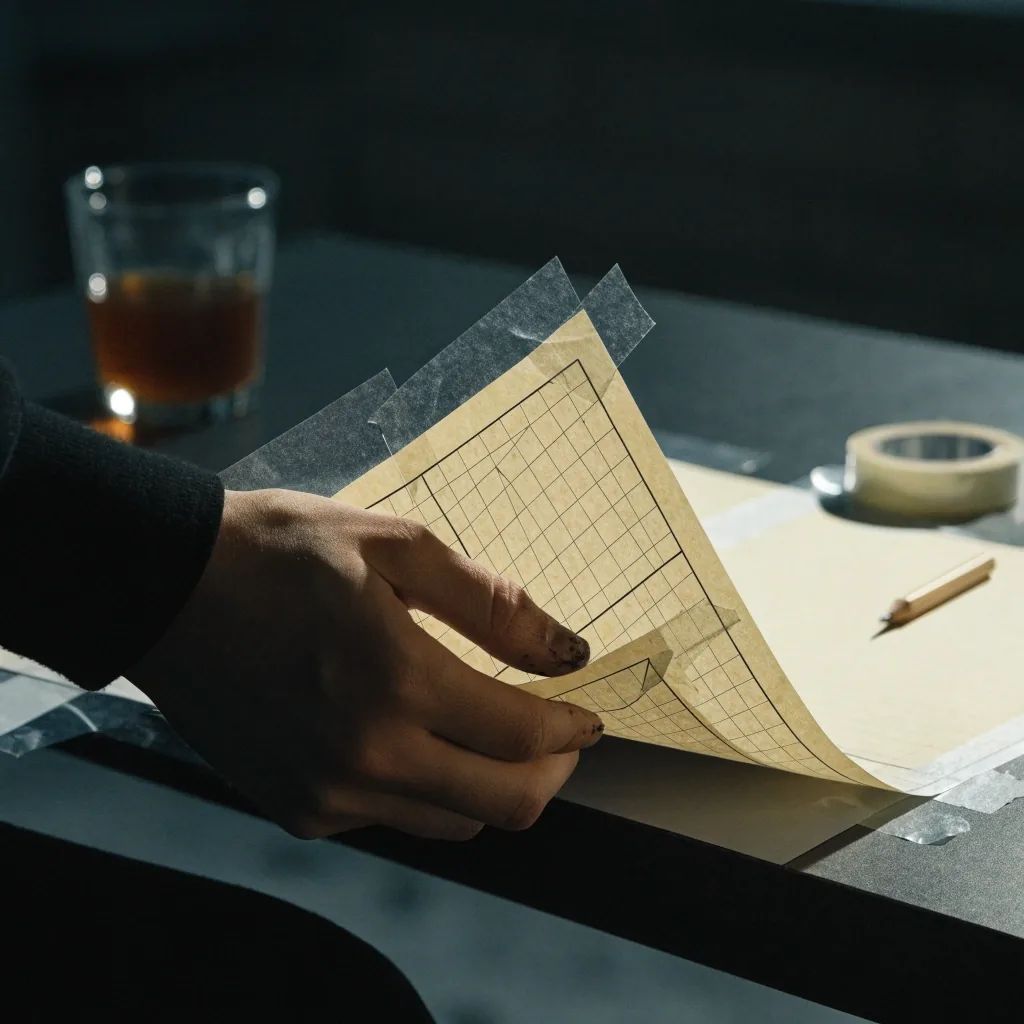
wireframes on paper, before anything is clickable
Visual design and design systems
Visual design sets typography, spacing, colour and component behaviour. Rather than designing each screen from scratch, we build a component library as we go, so the design and the eventual code share a vocabulary.
That is the difference between a set of mockups and a design system. It matters most in year two, when new features need to be added without a designer rebuilding every screen.
Inside the library
- Typography scale and spacing rules that survive a new screen.
- Colour tokens, so a brand change is one edit rather than forty.
- Component states: default, hover, focus, disabled, empty and error.
- Named tokens a developer can read without asking which grey was meant.

Development and build
Build runs in short cycles with something reviewable at the end of each. Depending on the project that might be a working staging site, a test build installed on your phone, or a component in a shared library. We keep you in the loop on decisions that affect scope, and we flag anything that looks like it will change the timeline while there is still room to adjust. Code lives in version control from day one, and you get access.
Something to review each cycle
A cycle that ends with nothing to look at is a cycle you cannot steer. Staging site, phone build or a single component, there is always a link or an install before the next sprint begins.
Scope decisions stay visible
When a request would move the timeline, you hear it during the cycle rather than at the end of it, with a plain description of what it costs and what it displaces.
Version control from day one
The repository is yours. Commit history, branches and deployment notes are readable by anyone joining later, including a developer you hire yourself.
Developer handoff
Handoff is a phase, not a moment. In Figma, Dev Mode lets developers inspect spacing, states and tokens directly, which removes a lot of guesswork.
See how we handle handoffBeyond the file, we run a walkthrough session covering intent, edge cases, empty states and error handling. If we are handing off to your in-house team, we document the repository, the build process and the deployment steps. If we are continuing to build, handoff is internal but the same discipline applies.
Walkthrough session
Intent, edge cases, empty states and error handling, explained out loud by the people who designed them.
Written handoff pack
Repository notes, build commands and deployment steps, so a new developer is productive without a phone call.
Testing, accessibility and QA
Before launch we test across real devices, not just browser emulators. That includes older Android handsets, which are still common in Australia and which expose layout and performance problems that a desktop preview never will.
Accessibility checks run alongside: keyboard navigation, screen reader announcements, contrast, focus order. We also test the boring paths, such as a failed form submission or a network drop mid-checkout, because those are the ones that generate support tickets.

real handsets, including the older ones
Device matrix
Current phones plus older Android handsets on real networks.
Keyboard and screen reader
Focus order, announcements and contrast checked by hand.
Failure paths
Rejected forms, dropped connections and expired sessions.
Performance on slow links
Throttled connections, not just the office wifi.
Launch and what happens after
Launch day is mostly logistics: DNS, redirects, analytics, error monitoring, and a rollback plan if something breaks. None of it is glamorous, and all of it is the difference between a calm morning and a long one.
After that, most clients move into a support arrangement covering updates, small changes and monitoring. Some prefer a fixed monthly retainer, others a block of hours they draw down. Either way, we would rather agree the arrangement before launch than negotiate it while something is on fire.
Launch checklist
Keeping scope honest
Scope creep is not usually anyone being difficult. It is a good idea arriving at the wrong time. When that happens, we will tell you what it costs in time and money and let you decide whether to swap it for something already planned.
Projects that hold their shape tend to launch closer to the date everyone was promised. That is the whole argument for writing changes down instead of absorbing them.
How a change request is handled
Questions that come up before we start
If your question is not here, ask it directly. We would rather answer it now than have it decide the project later.
How long does a project usually take? Open
It depends on scope, and we will not pretend otherwise before discovery. A focused marketing site with a handful of templates moves quickly through architecture and wireframes. A mobile app with accounts, payments and notifications runs the full sequence, and the build cycles are where most of the calendar goes. The recommendation document from discovery gives you a realistic window rather than an optimistic one.
Do you work with our in-house developers? Open
Often, yes. Sometimes we design and hand off to a team already inside the business; sometimes we build and their developers take over maintenance afterwards. Either way the handoff pack is written for people who were not in the meetings: repository notes, build commands, deployment steps and the reasoning behind the component library.
Can we skip discovery and go straight to design? Open
You can, and occasionally it is the right call when the problem is already well defined and the constraints are fixed. What we will not do is skip architecture and pretend the screens are the plan. Most of the cost of a redesign comes from structure, not colour, and structure is where discovery pays for itself.
What do you need from us to get started? Open
One person who can make decisions, access to whatever analytics and support history already exist, and a rough sense of the launch window. Existing brand assets help if you have them, but they are not a blocker. If the content does not exist yet, say so early, because writing it is part of the plan rather than a surprise in the final week.
What happens if we need changes after launch? Open
Most clients move into a support arrangement: a monthly retainer, or a block of hours drawn down as needed. Small changes stay small because the component library already exists, so a new section or a new state does not mean redesigning a page. We agree the arrangement before launch rather than negotiating while something is broken.
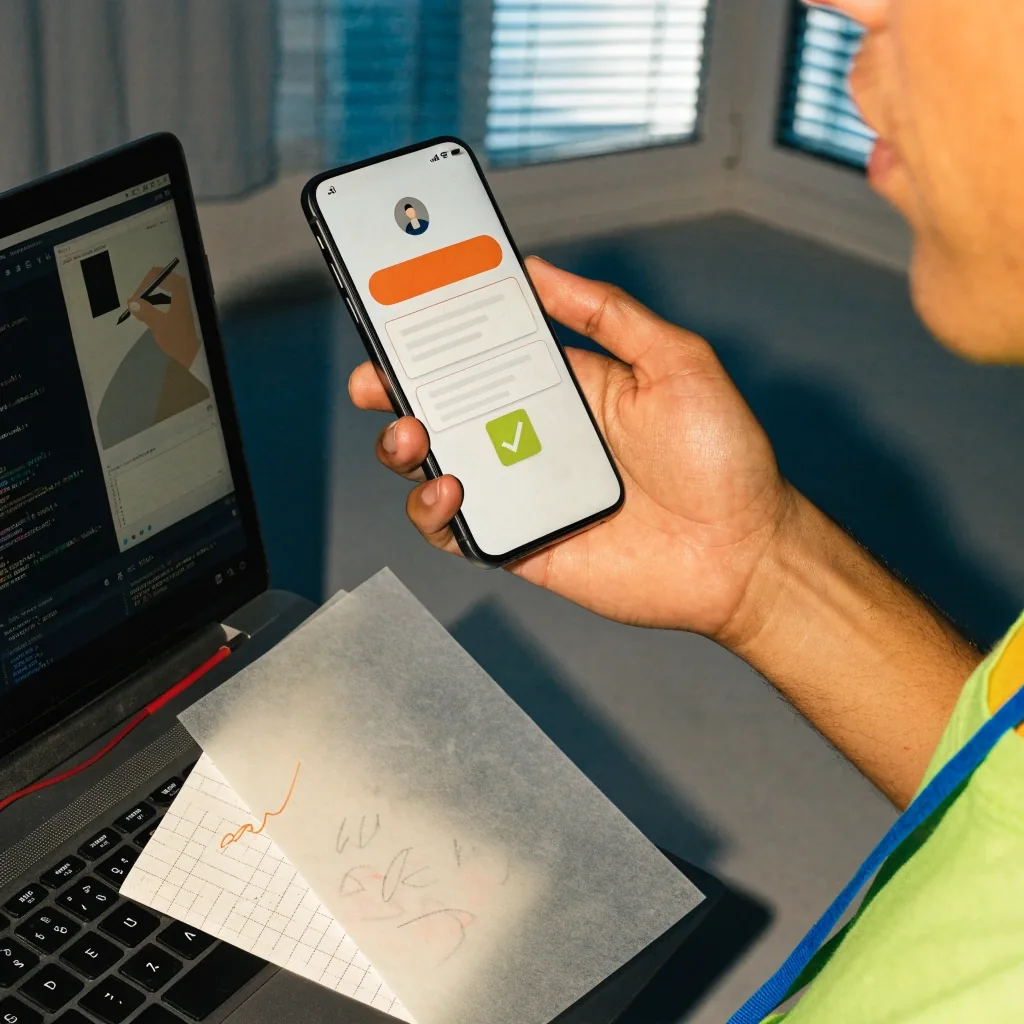
Tell us where your project is now, and we will say which phase it needs first
Bring a rough idea, an existing product that needs rebuilding, or a brief already written by someone else. A short conversation is usually enough to tell you whether you need discovery, a redesign, or just a handoff pack for a team you already have.
Suite 1, Shop 1, 7F Parkes Street, Harris Park, NSW 2150 · Monday to Friday, 9:00 AM – 6:00 PM