Mobile apps, websites and UX/UI from Sydney
We design and build mobile apps, websites, e-commerce stores and the UX/UI systems that hold them together, from a studio at Harris Park in Western Sydney.
A studio that starts with the problem, not the stack
Brain Stream Australia is a digital product studio based at Harris Park in Western Sydney. We design and build mobile apps, websites, e-commerce stores, and the UX/UI systems that hold them together.
Most of our clients arrive with the same problem in different shapes: a product that works on a laptop, a growing pile of support tickets, and a checkout that people abandon. This site explains what we do, how a project runs from first conversation to launch, and how to tell whether we're the right studio for the stage you're at.
Where we work
Suite 1, Shop 1, 7F Parkes Street, Harris Park, NSW 2150. A short train ride from Parramatta, and within easy reach of clients across Greater Sydney.
Monday to Friday, 9:00 AM – 6:00 PM
What we build, and who it's for
We work with Australian businesses that need a product built or rebuilt: retail and e-commerce operators moving off a template, service businesses whose site no longer matches how they sell, and founders taking a mobile app from concept to a first release.
Discovery first
Engagements usually start with a discovery phase, then move into UX/UI design, then into development. You get a written recommendation on stack and approach before anyone commits to a build.
Full path or one piece
Some clients hire us for the whole journey, from first wireframe to launch. Others come for one job: a design system, a React Native build, or an accessibility pass on a site that already exists.
Mobile-first delivery
Most Australian traffic now sits on a phone, so layouts, checkout flows and navigation are designed at that size first and expanded upward, not compressed down from a desktop mock.
Mobile app development in Australia
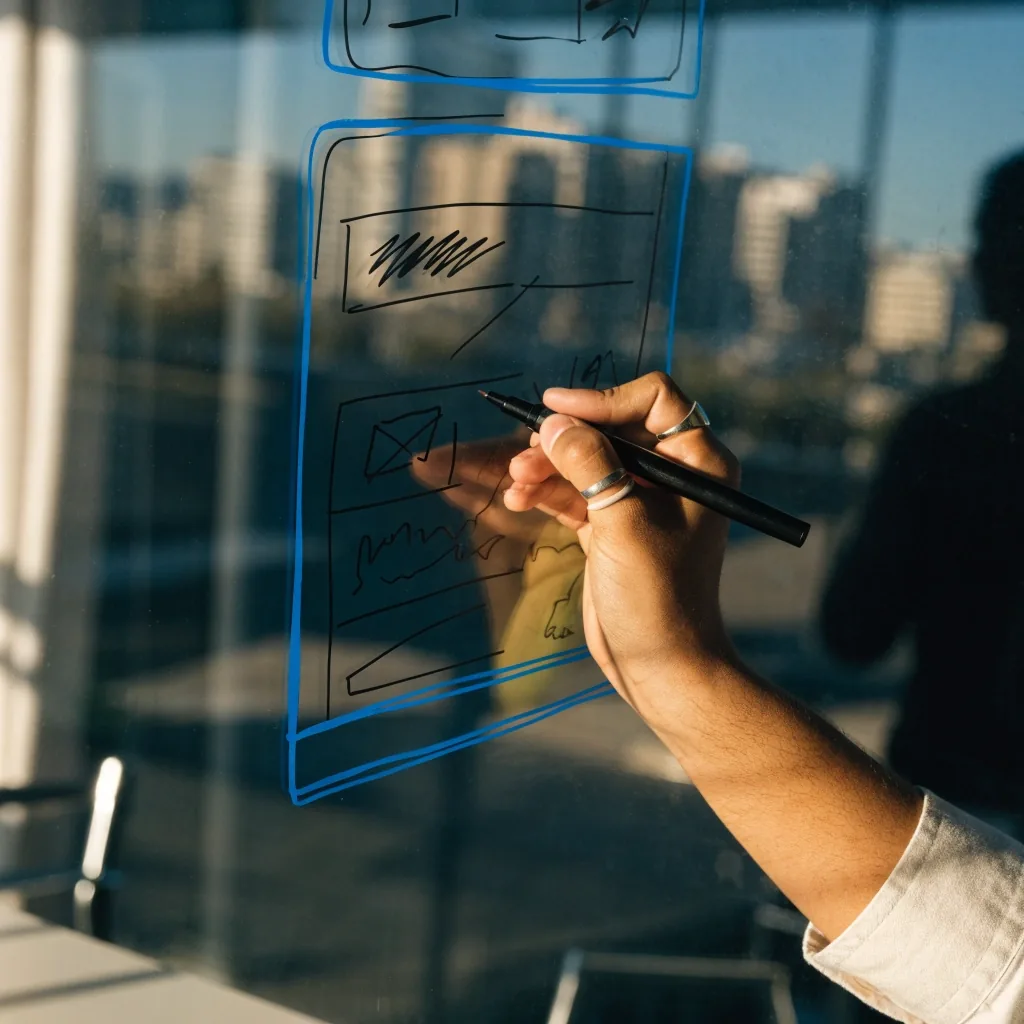
Cross-platform frameworks like React Native let a single codebase run on iOS and Android, which matters when budget and timeline are fixed. It isn't the right answer every time.
Apps that lean heavily on platform-specific behaviour, or that need tight integration with Apple hardware features, often justify separate native work. During discovery we look at your users' devices, your release cadence, and how much of the product is likely to change in year one before recommending a stack.
The Apple Human Interface Guidelines are a useful reference here: iOS users expect navigation, gestures and controls to behave in familiar ways, and breaking those conventions costs you trust.
Website and web development
A business website has a job to do. Usually that's generating enquiries, supporting a sales team, or giving customers somewhere to self-serve. We build responsive sites that hold up on a phone first, because that's where most Australian traffic now sits.
We'll tell you which one fits rather than defaulting to the tool we like most. If a content team needs editorial control, that points one way. If the goal is a fast launch with a clean handover to marketing, it points another.
E-commerce development
Store builds live or die on the details. Product pages that answer questions before they're asked. A cart that doesn't lose state. Shipping and returns explained in plain language. A checkout that doesn't fight the customer.
We design and build stores on established platforms and custom front ends alike.
Payment and fulfilment, honestly
On payment, we set up what your business can actually support. That typically means invoice and bank transfer, cash on delivery, or card payment taken in person at pickup. We don't wire up card gateways the business isn't approved to run.
- Delivery estimates written in days, not vague windows
- Return terms stated on the product page, not buried in a policy link
- Stock messaging that matches what's actually on the shelf
Practical fulfilment language does more for conversion than any animation.
UX/UI design and design systems
UX/UI is where a product stops being a list of features and starts being something people can use. We map user flows and information architecture before anyone opens a design tool, then move into wireframes, then into a working prototype.
Figma is our default workspace: shared component libraries, commenting, and Dev Mode for handoff so developers can inspect spacing, states and tokens without a round of email. Where a product will be maintained for years, we build a design system rather than a set of screens. Reusable components keep new pages consistent and cut the cost of every future change.
That difference shows up in month six, when a new feature needs to match a screen nobody remembers designing.
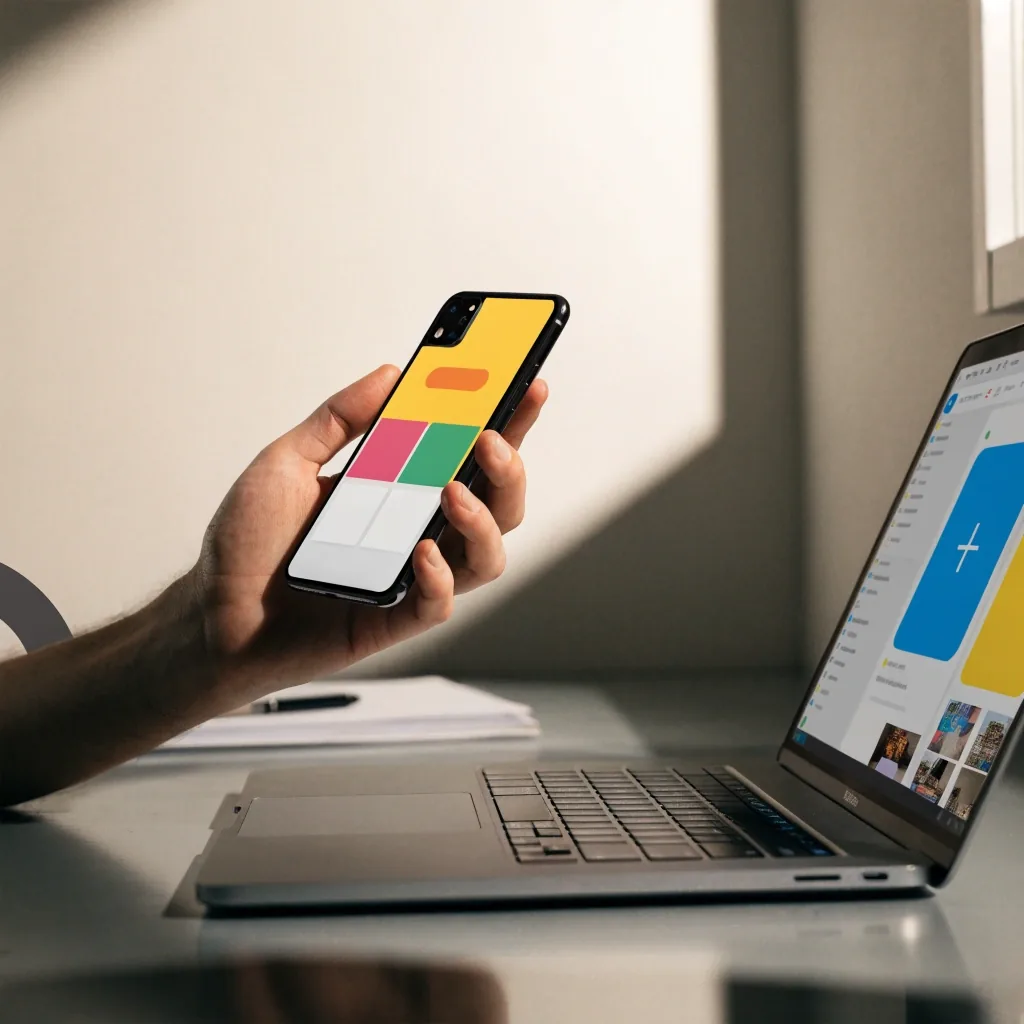
Flows and layout boxes get worked out on paper before a design tool opens.
Accessibility as a build requirement
WCAG is the benchmark most Australian organisations are measured against, and increasingly it appears in procurement documents. We treat it as a design constraint, not a cleanup task.
Fixing accessibility late is expensive because it touches layout, content and code at once. Fixing it during wireframes costs a fraction of that.
Public sector design systems, including the Australian Government Design System, are worth studying even if you never build for government: their component and content patterns are unusually well documented.
Colour contrast checked at the component level, not eyeballed on a finished page
Keyboard navigation tested on real flows, including the ones people use to pay
Form errors announced properly to screen readers, with the field and the reason named
Headings that follow a logical order, so assistive tech can skim the page like a person
How a project starts
First conversations are short. We ask what the product is meant to do, who uses it, what's already built, and what deadline is real.
You leave discovery with something you can act on, whether or not you continue with us. If we're not the right fit, we'll say so early rather than stretching an engagement.
Choosing between custom and no-code
The honest answer depends on three things: how unusual your requirements are, how fast you need to launch, and who maintains the site afterwards.
We've seen both decisions go wrong, usually because someone picked a tool before understanding the problem.
Standard needs, non-technical team
A no-code platform is often the pragmatic call. Your team publishes without waiting on a developer.
Custom logic or integrations
A custom build pays for itself, because a builder can't reach the behaviour you need.
Performance requirements
Where page weight and load behaviour are commercial, a custom front end gives you the control.
Handover and maintenance
Who edits this in two years matters more than which tool is fashionable now.
Tape, staple and a sheet that has been copied twice.
What good looks like at handoff
Handoff isn't a folder of images. It's a Figma file with named components, defined states, spacing tokens, and notes on edge cases such as empty states and error messages.
It's a repository with a README that explains how to run the project. It's a short session where the designer walks the developer through the intent behind the screens, not just the pixels.
Teams that invest here ship faster after launch, because the second and third features don't require re-deciding everything from scratch.
In the handoff pack
- Named components with defined states
- Spacing and type tokens, written down
- Empty states and error messages designed, not left to chance
- A repository with setup notes for whoever runs it next
Working with a studio in Western Sydney
Our studio is at Suite 1, Shop 1, 7F Parkes Street, Harris Park, NSW 2150. That puts us a short train ride from Parramatta and within easy reach of clients across Greater Sydney.
Timezone overlap matters more than postcode for most projects, but local presence helps when a build needs a workshop, a user testing session, or a conversation that's easier in person. We work with clients elsewhere in Australia too, running the same process over video and shared Figma files.
Studio
Suite 1, Shop 1, 7F Parkes Street, Harris Park, NSW 2150, Australia
Hours
Monday to Friday, 9:00 AM – 6:00 PM
Phone
+61 2 8015 6419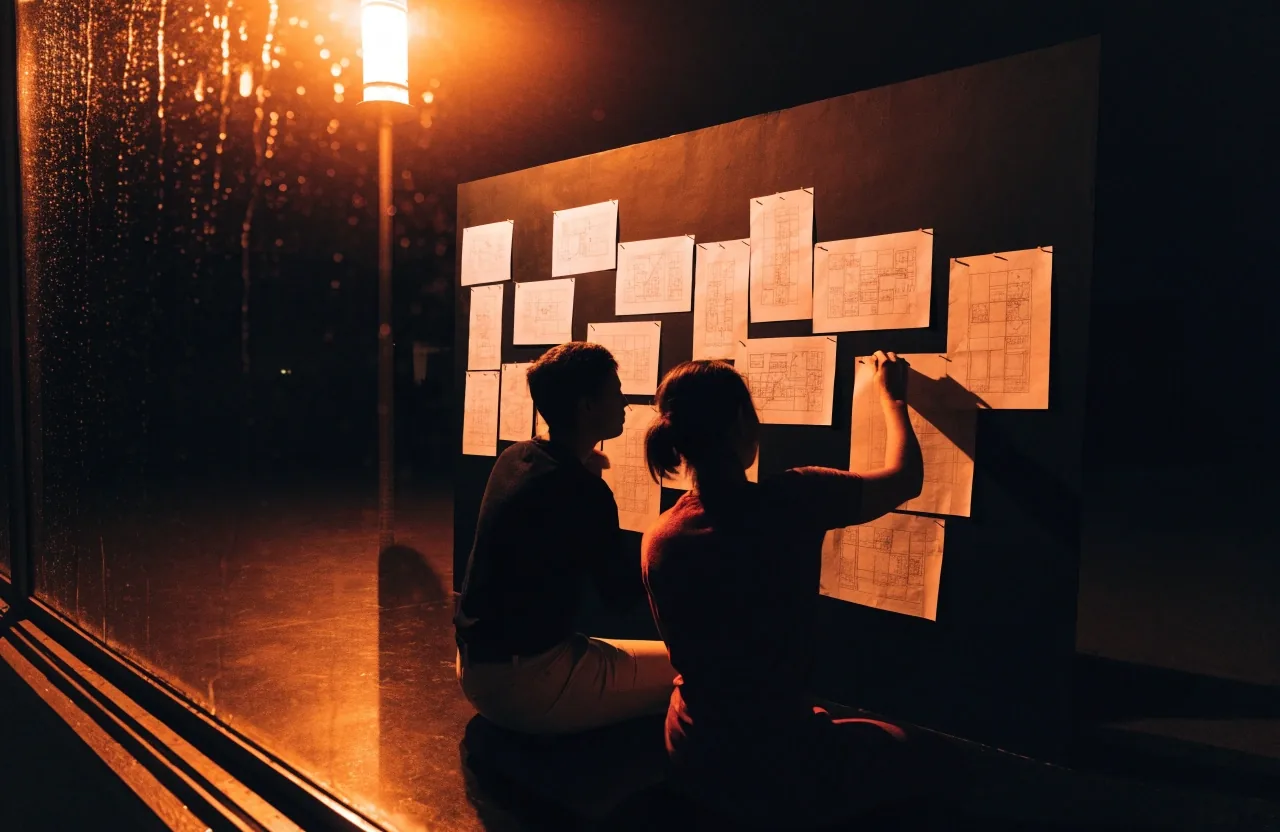
Workshops and testing sessions run in the studio or over video, whichever suits the team.
A tool decision made before the problem is understood is the most expensive decision in the project.
How we run discovery
Questions we get before a first call
Do you work with businesses outside Sydney?
Yes. We're based in Harris Park, NSW, and work with clients across Australia. Workshops and testing sessions can run over video, and we use shared Figma files and repositories so progress is visible between calls.
Can you take over an existing app or website?
Often, yes. We start with a technical and UX review so you know what's worth keeping before committing to a rebuild. Sometimes the right answer is targeted fixes rather than a new product.
How do you decide between React Native and native development?
It depends on how much of the product relies on platform-specific behaviour, how often you plan to release, and your budget across the first year. We make a recommendation during discovery, with the trade-offs written down.
Do you handle e-commerce payments?
We set up the payment methods your business is approved to accept, which commonly means invoice and bank transfer, cash on delivery, or card payment taken in person at pickup. We don't configure card gateways a business isn't set up to run.
Tell us what you're building
Send a short brief: what the product is meant to do, who uses it, what already exists, and when it needs to be live. If we're not the right fit for the stage you're at, we'll say so early.